

Our Top Picks
 SAMSUNG 34" ViewFinity S50GC Series Ultra-WQHD Monitor34- in Flat8.7 x 32.1 x 18 inches10.8 PoundsCheck on Amazon
 INNOCN 49" Curved Gaming Monitor 144Hz Ultrawide 32:949 Inch6.28 x 45.5 x 14.57 inchesCheck on Amazon
 Sceptre Curved 24-inch Gaming Monitor 1080p R1500 98%24-Inches16.04 x 21.61 x 9.06 inches6 poundsCheck on Amazon
For most traders, the best monitor is a 34-inch 3440×1440 ultrawide, because it fits roughly eight chart panes into one frame with no bezel gap, and the Samsung ViewFinity S50GC listing is the most straightforward pick in this set. A pair of cheap 24-inch screens still works, and a 49-inch super-ultrawide goes further if your desk is deep enough. This guide sorts eight listings by how much chart space they give you per pixel and per inch of desk width, then works through a pane-count example with every assumption stated. It describes hardware only and is not financial advice.
Chart space at a glance
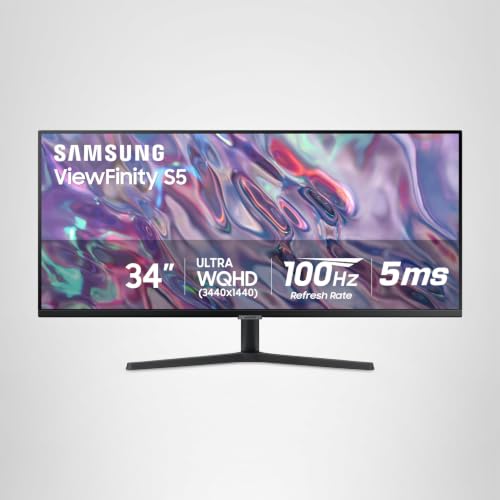
SAMSUNG 34" ViewFinity S50GC Series Ultra-WQHD Monitor, 100Hz, 5ms, HDR10, AMD FreeSync, Eye Care, Borderless Design, PIP, PBP, LS34C502GANXZA, 2023, Black


As an Amazon Associate we earn from qualifying purchases. Product prices and availability are accurate as of the date/time indicated.
INNOCN 49" Curved Gaming Monitor 144Hz Ultrawide 32:9 WDFHD 3840 x 1080P, R1800, 99% sRGB, HDR400, USB Type C, DisplayPort, HDMI, Built-in Speakers, Height/Tilt Adjustable - 49C1G


As an Amazon Associate we earn from qualifying purchases. Product prices and availability are accurate as of the date/time indicated.

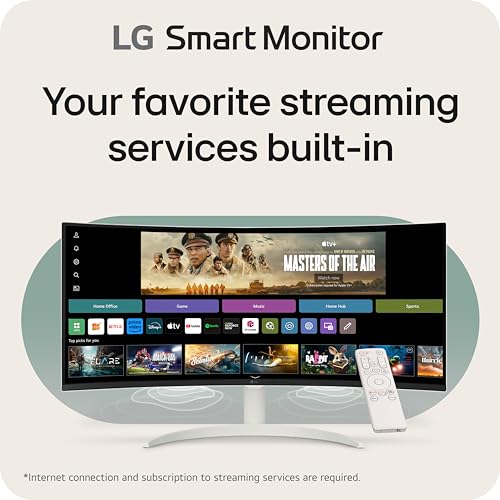
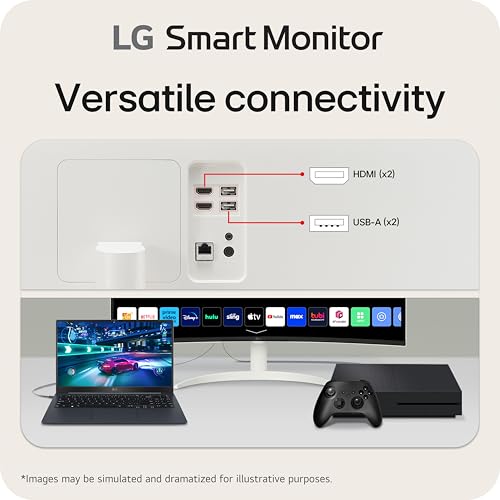
LG 34SR60QC-W 34-inch QHD (3440x1440) Curved Smart Monitor with Streaming, UltraWide Screen, webOS, HDR10, 100Hz, Built-in Speaker, AirPlay2, Screen Share, Bluetooth, ThinQ App, White



As an Amazon Associate we earn from qualifying purchases. Product prices and availability are accurate as of the date/time indicated.

Sceptre 34-inch Curved ultrawide WQHD Monitor (3440 × 1440), R1500, up to 180Hz/165Hz, DisplayPort x2, 99% sRGB, 1ms, Built-in Speakers, Machine Black, 2025 (C345B-QUT168)


As an Amazon Associate we earn from qualifying purchases. Product prices and availability are accurate as of the date/time indicated.

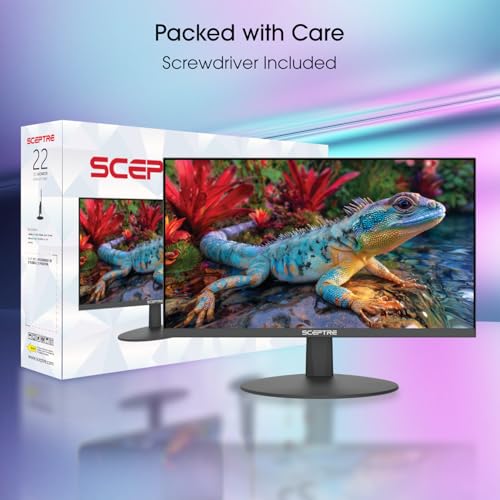
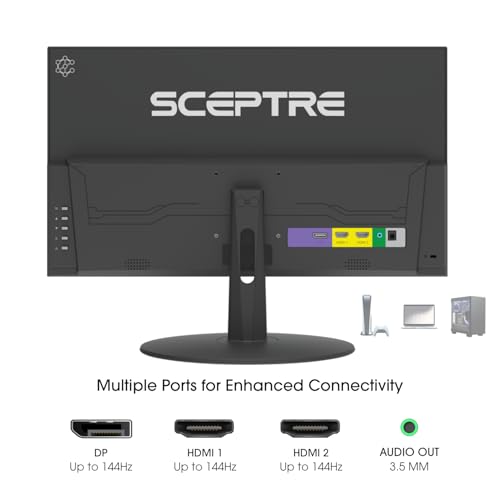
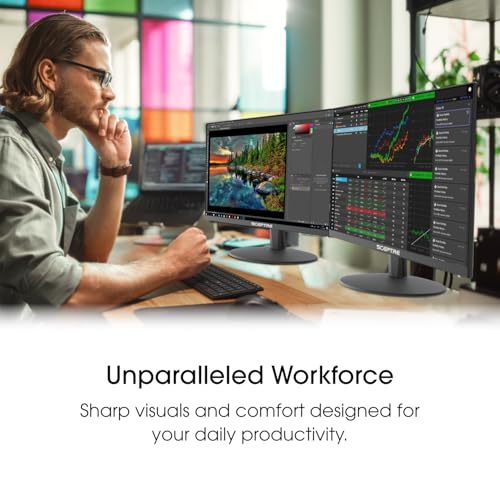
Sceptre New 22-Inch Gaming Monitor, FHD 1080p, Up to 144Hz, HDMI, DisplayPort, Built-in Speakers, Machine Black (E225W-FW144 Series, 2026)



As an Amazon Associate we earn from qualifying purchases. Product prices and availability are accurate as of the date/time indicated.
Sceptre Curved 24-inch Gaming Monitor 1080p R1500 98% sRGB HDMI x2 VGA Build-in Speakers, VESA Wall Mount Machine Black (C248W-1920RN Series)


As an Amazon Associate we earn from qualifying purchases. Product prices and availability are accurate as of the date/time indicated.

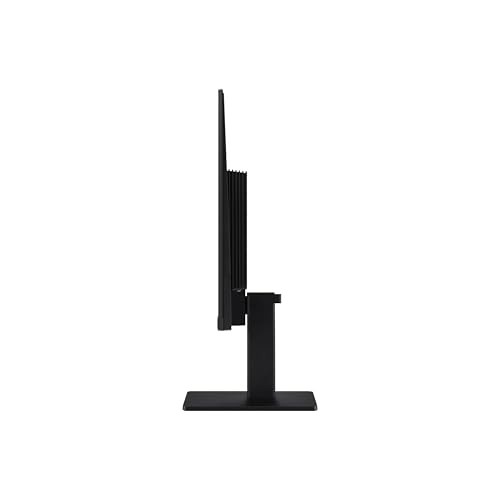
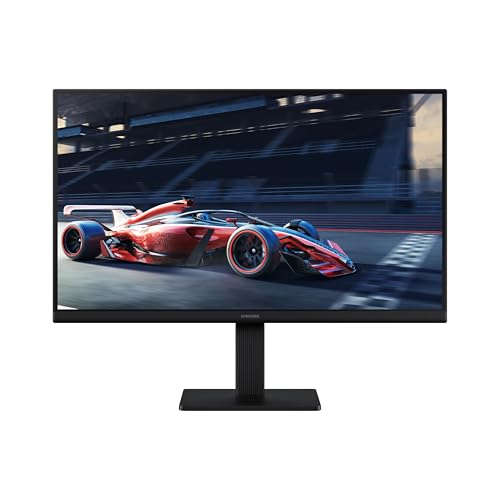
Samsung 27" (S30GD) Essential Monitor with IPS Panel | 100Hz Refresh Rate, Tilt Only Stand, Ergonomic Design, Advanced Eye Care, Game Mode, LS27D304GANXZA





As an Amazon Associate we earn from qualifying purchases. Product prices and availability are accurate as of the date/time indicated.

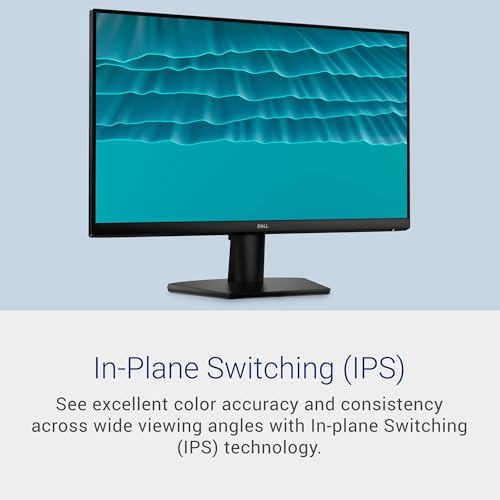
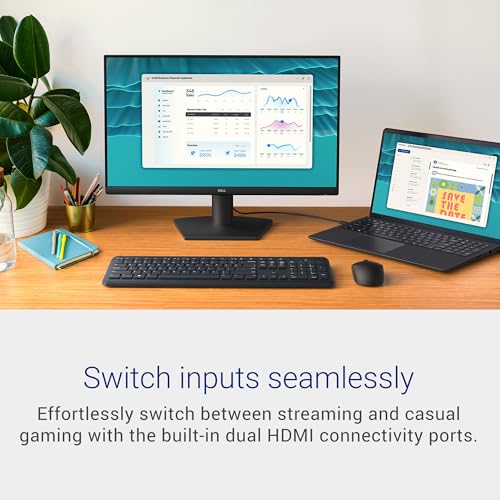
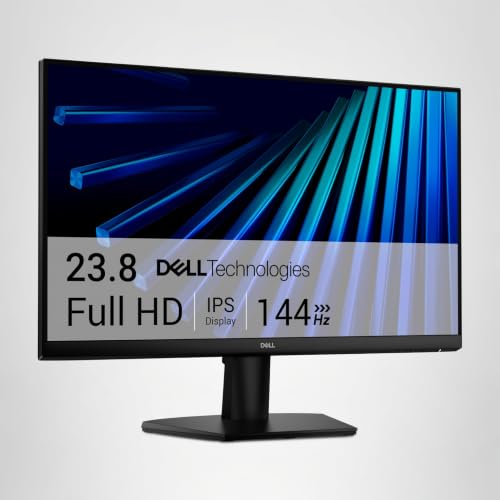
Dell 24 Monitor - SE2426H - 23.8-inch FHD (1920x1080) 144Hz 1ms Display, in-Plane Switching (IPS) Technology, AMD FreeSync™, TÜV 3-Star 2X HDMI, Tilt





As an Amazon Associate we earn from qualifying purchases. Product prices and availability are accurate as of the date/time indicated.
| Model | Key point from title | Price tier | Best for |
|---|---|---|---|
| Samsung S50GC 34-inch | Ultra-WQHD 3440×1440, 100Hz, 5ms, HDR10, FreeSync, PIP and PBP | Mid-range | One-screen chart wall with a second input |
| INNOCN 49C1G | 49-inch 32:9, 3840×1080, 144Hz, USB-C, DP, HDMI, height adjust | Premium | Widest desk-bound chart canvas |
| LG 34SR60QC-W | 34-inch 3440×1440 curved smart monitor, webOS, 100Hz | Premium | Mixed trading and streaming desk |
| Sceptre C345B-QUT168 | 34-inch 3440×1440, R1500, up to 180Hz/165Hz, DP x2 | Mid-range | Cheapest ultrawide here |
| Samsung S30GD 27-inch | 27-inch IPS, 100Hz, tilt-only stand | Mid-range | Single-screen starter |
| Dell SE2426H | 23.8-inch IPS, 1920×1080, 144Hz, 2x HDMI, tilt | Budget | Building a multi-screen row |
| Sceptre C248W | 24-inch curved FHD, HDMI x2, VGA, VESA | Budget | Low-cost side panels on arms |
| Sceptre E225W-FW144 | 22-inch FHD, up to 144Hz, HDMI and DP | Budget | Order-book or news strip |
The eight listings, widest first
Samsung ViewFinity S50GC 34-inch: the balanced chart wall
The title lists an Ultra-WQHD panel, which means 3440×1440, at 100Hz and 5ms with HDR10, FreeSync, borderless design, picture-in-picture and picture-by-picture. Refresh rate matters little for charts, so 100Hz is no drawback, while PBP lets you show a second computer beside your trading PC. The panel type is not stated in the title, so check the listing if viewing angles matter to you. At about 110 pixels per inch, small axis labels stay readable. The 5ms and HDR10 wording are seller claims. Keep PBP in mind if you run a laptop for email beside your trading PC.
- Pros: 3440×1440 resolution; PIP and PBP for a second source; single cable to manage
- Cons: panel type unstated; curved or flat shape not given in the title
Who it’s for: traders who want one sharp wide screen without a high price.
INNOCN 49C1G: a row of charts on one panel
At 49 inches and 32:9, the 3840×1080 canvas equals two 1920×1080 screens joined with no bezel in the middle. The title adds 144Hz, 1800R curve, 99% sRGB, HDR400, USB Type C, DisplayPort, HDMI, speakers and height adjustment. Vertical space is the catch: 1080 pixels tall is no more than a single ordinary monitor, so tall Level 2 ladders or long watchlists get no extra room. At about 81 PPI, text is also coarser than on the 34-inch models. USB-C could let one laptop cable carry video, though the title does not say whether it also charges.
- Pros: very wide; USB-C plus DP and HDMI; height adjustment
- Cons: only 1080 rows tall; roughly 47 inches wide by our estimate; highest price tier
Who it’s for: traders with a deep, wide desk who work with side-by-side charts.
LG 34SR60QC-W: smart features you may not want
This is a 34-inch QHD curved screen at 3440×1440 and 100Hz, but the title leads with smart-TV features: webOS, streaming apps, AirPlay 2, screen share, Bluetooth, a ThinQ app and a built-in speaker. Those turn the screen into a media hub, which suits a desk used for more than trading, but a distraction-free setup may prefer plain inputs. The title does not list ports, so check HDMI and DisplayPort versions before assuming a cable you own will do. The price tier here reflects those extras rather than extra chart space.
- Pros: 3440×1440 resolution; apps without a separate PC; speaker included
- Cons: smart-platform extras add cost and clutter; ports not listed in the title
Who it’s for: people whose trading desk doubles as a streaming and media desk.
Sceptre C345B-QUT168: the least expensive ultrawide, with a muddled spec line
Here is a 34-inch 3440×1440 curved panel with R1500, 99% sRGB, 1ms, speakers and two DisplayPort inputs. The title says “up to 180Hz/165Hz”, which is ambiguous: it may mean different rates on different inputs or modes. Running 3440×1440 at 165Hz at 8-bit colour needs roughly 19.6 Gbit/s before blanking, more than DisplayPort 1.2 carries, so that figure likely depends on the DisplayPort version. Check the listing and your graphics card. No HDMI is mentioned, so confirm the inputs before ordering a laptop dock.
- Pros: lowest ultrawide price tier; two DP inputs; 99% sRGB claim
- Cons: unclear refresh wording; DisplayPort only per the title
Who it’s for: cost-focused buyers moving to an ultrawide who own a DP-equipped graphics card.
Samsung S30GD 27-inch: a clean single-screen start
An IPS 27-inch at 100Hz with a tilt-only stand and Game Mode. The title does not state resolution, so confirm it before buying: if it is Full HD, density sits near 82 PPI, and if it is QHD, near 109. Tilt-only means you cannot raise it, so a stand or an arm may be needed to reach eye level. The Eye Care label is a feature description rather than a measurement. It is the plainest option here, and plain suits a single-window workflow. If it turns out to be Full HD, it offers a little over half the horizontal pixels of the 34-inch listings.
- Pros: IPS panel; simple and familiar design; fits a normal desk
- Cons: resolution not given in the title; no height adjustment
Who it’s for: a trader who wants one dependable extra screen and a small footprint.
Dell SE2426H: the building block for a row of screens
A 23.8-inch IPS at 1920×1080 and 144Hz with 1ms, FreeSync, TUV 3-Star certification and two HDMI inputs. Buying three or four of them yields a clean multi-monitor row where each screen holds a chart or platform window. Pixel count is the same as any 1080p screen, but IPS keeps colours consistent when you view the outer panels from an angle. Bezels will interrupt charts that span two screens, so keep each platform window on its own panel. Buy the units together where you can, since panels from different batches may show slightly different colour.
- Pros: IPS; two HDMI inputs; identical units are easy to line up
- Cons: tilt only; a bezel between every screen; no DisplayPort listed
Who it’s for: traders who prefer separate screens to one ultrawide.
Sceptre C248W: cheap curved side panels
This 24-inch curved Full HD screen has R1500 curve, 98% sRGB, two HDMI inputs, VGA, speakers and a VESA wall mount. The title gives no refresh rate, but trading charts do not rely on it. VESA support is the key detail: mounted on an arm, several of these turn into a compact wall of screens. Weight and mount pattern are not in the title, so check them. The curve helps a seated trader see the screen edges, and the second HDMI lets one screen share a PC and a laptop.
- Pros: VESA mount; two HDMI; very low price tier
- Cons: refresh rate and panel type not stated; VGA is analog
Who it’s for: traders filling arm slots at the lowest cost.
Sceptre E225W-FW144: the strip for news and an order book
The 22-inch is the smallest, but HDMI and DisplayPort plus up to 144Hz make it flexible. At about 100 PPI it renders tickers, a news feed or an order window sharply. As a primary screen it is too narrow for chart work. The title does not state the panel type, so ask the listing. Pair it with a larger main screen and use it to keep non-chart windows from covering your charts. Its speakers are a convenience for alerts rather than a reason to buy.
- Pros: HDMI and DisplayPort; small footprint; lowest price tier
- Cons: panel type unstated; too small to anchor a trading setup
Who it’s for: traders who want a dedicated news or order strip beside a main display.
How we picked these
We sorted the eight listings by chart space: resolution, aspect ratio and likely desk width. The basis was published specifications, manufacturer documentation and buyer reviews. Nobody on the team used or measured these units. Response-time, HDR and refresh figures are seller claims, and width figures below are our estimates from the stated diagonal and aspect ratio. Price tiers are relative to this set, because live prices change, and each claim should be checked against the live listing before you order.
What to look for in a trading screen
Worked example: how many chart panes fit
Assume each chart pane needs at least 800×500 pixels to stay legible, a figure that will differ by platform and eyesight. On a 1920×1080 screen that gives 2 columns by 2 rows, four panes. On 3440×1440 it gives 4 by 2, eight panes. On 3840×1080 it gives 4 by 2, also eight, though with less height per pane. Two 1080p screens give eight in total but with a bezel line in the middle. Pixels, not diagonal, set the chart count. Add a toolbar and an order ticket and you will lose roughly one row, so plan for six usable panes on the wide models, not eight.
Pixel density and desk width
Density is the diagonal in pixels divided by the diagonal in inches. By that estimate the 34-inch ultrawides sit near 110 PPI, 24-inch Full HD near 92, 27-inch Full HD near 82 and the 49-inch near 81. Width is also an estimate from aspect ratio: roughly 31 inches for a 34-inch 21:9, 47 for the 49-inch, 21 for a 24-inch and 19 for a 22-inch. Measure your desk before buying, including the depth a curved panel needs behind the stand. Seated 24 to 30 inches away, the 34-inch curve keeps both edges within a comfortable glance.
Cables and bandwidth
Raw video data is pixels times refresh rate times 24 bits. For 3840×1080 at 144Hz that is about 14.3 Gbit/s, and for 3440×1440 at 100Hz about 11.9 Gbit/s, both before blanking overhead. A DisplayPort link is the safer path for those numbers, and older HDMI 1.4 ports may cap the refresh rate. Charts do not need 144Hz, so lowering the refresh rate is a fair fix. If a listing only offers DisplayPort, a graphics card or a dock that lacks it needs an adapter, so check outputs before you buy.
Ergonomics
Put the main screen centred in front of you at about an arm’s length with the top edge near eye level, and use arms where the stand only tilts. Take regular breaks. These are general desk guidelines, not medical advice, and no monitor feature replaces them.
Mistakes traders make with monitors
Counting diagonal instead of pixels. A 49-inch screen with 1080 rows has the same height in pixels as a 24-inch, so tall ladders and watchlists gain nothing from the extra width.
Ignoring the cable. A high refresh rate over an old HDMI port can quietly drop to a lower mode; check the listing for versions, and keep the cable that shipped in the box until you know a replacement is rated for the same bandwidth.
Choosing a smart monitor for a quiet desk. Apps and notifications add distractions to a workflow that needs fewer, and the price tier rises with them.
Trusting HDR and response-time labels. Charts rely on text clarity, not on those headline figures, so judge density and ports first.
Verdict
For a single wide screen, take the Samsung ViewFinity S50GC; for the lowest cost, the Sceptre C345B-QUT168 after checking its inputs; for the biggest canvas, the INNOCN 49C1G on a deep desk. If you prefer separate panels, line up several Dell SE2426H units. Ergonomic arms and cable checks come before extra refresh rate. Our dual monitor guide covers the two-screen path, including how to match desk width to panel width. Prices change often, so compare tiers rather than a remembered number, and confirm every claim on the live listing.
Trading monitor questions, answered
Is an ultrawide better than two monitors for trading?
It depends on how you work. An ultrawide such as a 3440×1440 panel gives a continuous canvas with no bezel line across a chart, while two screens give more total pixels in some cases and let you assign one platform per screen. Compare pixel counts, desk width and how often you drag windows across.
Does refresh rate matter for trading charts?
Very little. Charts and order windows update at the pace of your data feed, so 100Hz is plenty. Higher refresh helps mainly with fast motion in games. If you also game on the same screen, then a 144Hz listing adds value, but it should not drive a trading purchase.
What resolution is best for reading small chart text?
Density matters more than size. Estimated from the resolutions in the titles, 3440×1440 on 34 inches gives about 110 pixels per inch, while 1080p on 27 or 49 inches sits near 82. Higher density keeps small axis labels and order tables sharper at normal desk distance.
Can one cable drive an ultrawide at full refresh?
Often, but check versions. A 3440×1440 screen at 100Hz needs roughly 12 Gbit/s of video data before overhead, which DisplayPort 1.2 or HDMI 2.0-class links can generally carry, while older HDMI 1.4 may not. Confirm the ports on the listing and use the cable in the box.
Is a smart monitor suitable for a trading desk?
It can be, if you also use the desk for streaming or media. The LG listing adds webOS, apps and Bluetooth, which some traders find distracting. If you want a quiet workspace, a plain monitor such as the Samsung or Sceptre models keeps the setup simpler.








Write Your Review
No reviews yet. Be the first to share your experience!