

Key takeaways
- /best-ultrawide-monitor-under-300/ — for readers who want a cheaper ultrawide
- /best-standing-desk-for-a-dual-monitor-setup-under-300/ — pair the ultrawide with a desk that fits it
- /best-usb-c-monitor-for-laptops-under-300/ — for laptop users who want a smaller USB-C screen
The best ultrawide monitor under $500 for most desks is the Dell S3425DW: a 34-inch, 3440 x 1440 panel with a 120Hz refresh rate and USB-C connectivity. It was the highest-charting ultrawide in Amazon’s monitor best-seller list in mid-November 2026. If you want the screen to replace a docking station, the Samsung ViewFinity S65UC is the stronger pick. If you mainly play games, the ASUS TUF Gaming VG34WQML5A is the fastest option here.
An ultrawide replaces two screens with one continuous 21:9 panel — no bezel in the middle, no second stand. One wide screen can hold a document, a browser, and a chat window side by side without constant window switching.
Under $500, the sweet spot is a 34-inch panel at 3440 x 1440, often called UWQHD. Smaller 29-inch ultrawides are usually only 2560 x 1080, which looks soft, while 49-inch models are far above this budget. All five below were listed on Amazon US in November 2026; prices change often, so check the current price before you buy.
Quick Picks
| Product | Best for | Key specs | Price note |
|---|---|---|---|
| Dell S3425DW | Best overall | 34″ VA, 3440 x 1440, 120Hz, USB-C, FreeSync Premium | Check current price on Amazon; listed around $400 in Nov 2026 |
| LG 34WR55QK-B | Best USB-C work monitor | 34″ curved VA, 3440 x 1440, 100Hz, USB-C, height-adjustable stand | Check current price on Amazon; listed around $320-$350 in Nov 2026 |
| Samsung ViewFinity S65UC | Best one-cable dock replacement | 34″ curved VA, 3440 x 1440, 100Hz, 90W USB-C, Ethernet, KVM | Check current price on Amazon; sale prices varied widely by seller |
| ASUS TUF Gaming VG34WQML5A | Best for gaming | 34″ Fast VA, 3440 x 1440, up to 250Hz overclock, FreeSync Premium Pro | Check current price on Amazon; listed around $290-$330 in Nov 2026 |
| Sceptre C345B-QUT168 | Best budget | 34″ curved VA, 3440 x 1440, up to 180Hz, 99% sRGB, built-in speakers | Check current price on Amazon; listed around $180-$200 in Nov 2026 |
How to Choose an Ultrawide Monitor Under $500
Size and resolution: start at 34 inches and 3440 x 1440. At 34 inches, that resolution gives about 110 pixels per inch, sharp enough for text at 100% scaling. A 34-inch panel at 2560 x 1080 looks stretched and fuzzy. Measure your desk first: a 34-inch ultrawide is roughly 32 inches wide, and its stand is 8 to 10 inches deep. All five picks here use a standard VESA mount, so a monitor arm can free up space.
Panel type: VA is the norm. Almost every ultrawide under $500 uses VA, with deep blacks and contrast around 3000:1. The trade-off is viewing angle and motion: colors shift from the side, and fast dark objects can smear. IPS gives better color consistency but costs more. Do not expect real HDR under $500.
Refresh rate: match it to how you use the screen. For office work, 100Hz is plenty. For gaming, 120Hz to 165Hz is a sensible target. Above 180Hz only helps if your graphics card can push that many frames at 3440 x 1440, which has about 2.4 times as many pixels as 1080p.
Curvature and ports. Most 34-inch ultrawides are 1500R or 1800R, a gentle curve. The Samsung S65UC is 1000R, more immersive but more likely to bend straight lines in spreadsheets. If you use a laptop, USB-C matters most: one cable can carry video, charge the laptop, and connect peripherals. Look for at least 65W, or 90W for a larger laptop. The Dell, LG, and Samsung include USB-C; the Samsung also adds Ethernet and a KVM switch, which can replace a $150 to $300 dock.
Color and brightness. For general work, look for 99% sRGB coverage or better. Brightness of 300 nits is adequate; 400 nits is better if your desk faces a bright window.
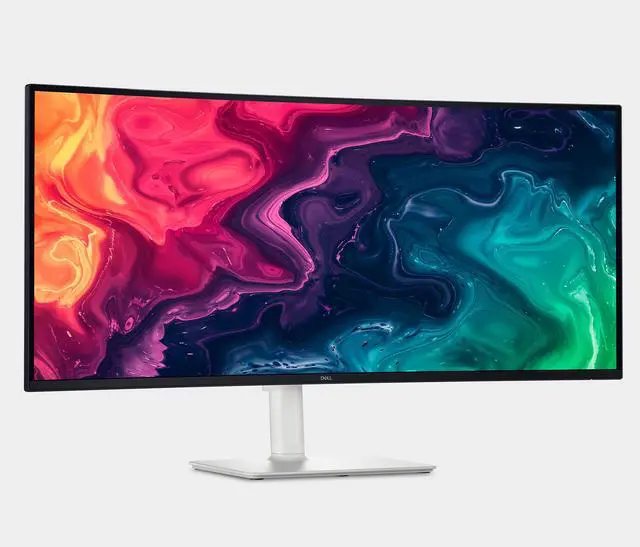
1. Dell S3425DW — Best Overall
Best for: Most buyers who want one ultrawide for work, study, and light gaming.
The Dell S3425DW is the most balanced monitor in this guide: a 34-inch VA panel at 3440 x 1440 with a 120Hz refresh rate, AMD FreeSync Premium, HDR10, and USB-C connectivity. It was listed at $399.99 on Amazon in mid-November 2026, where it ranked around sixth among all monitors sold on Amazon at the time.
The stand adjusts for height and tilt, the screen has Dell’s ComfortView Plus low-blue-light treatment, and 120Hz is fast enough for casual gaming.
Specs: 34-inch VA, 3440 x 1440, 21:9; 120Hz; FreeSync Premium; HDR10; USB-C; HDMI and DisplayPort; built-in speakers; height- and tilt-adjustable stand.
Pros: Best all-round balance of work features and refresh rate; USB-C for a one-cable laptop setup; strong Amazon sales ranking in November 2026; comfortable for long workdays.
Cons: VA panel, so viewing angles and fast-motion clarity lag IPS and OLED; no built-in Ethernet or KVM, unlike the Samsung; HDR10 is basic, not true HDR.
Who it is best for: Anyone building a single-monitor desk for work first and play second.
Check price on Amazon — Dell S3425DW
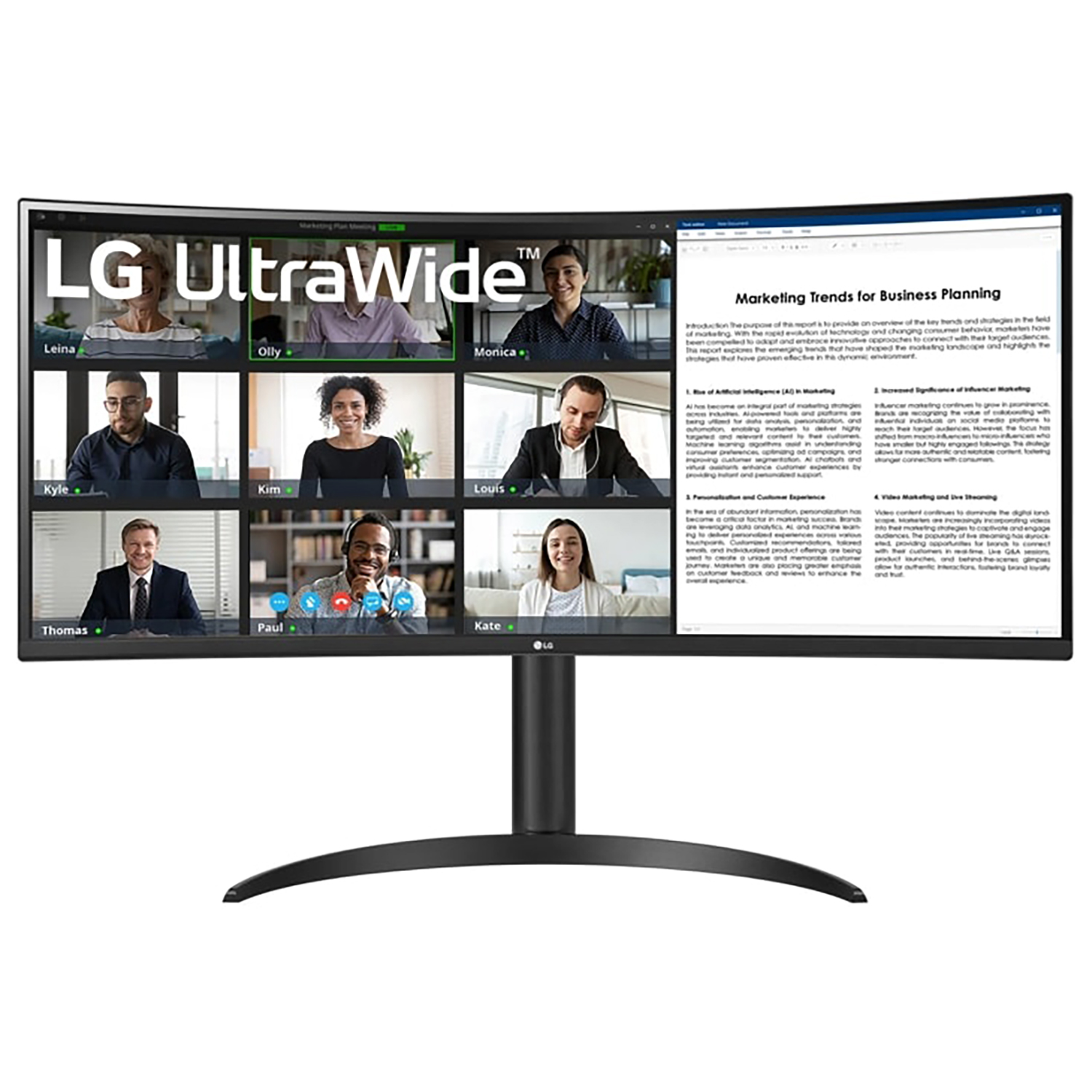
2. LG 34WR55QK-B — Best USB-C Work Monitor
Best for: Laptop users who want a height-adjustable ultrawide with USB-C for less than the Dell.
The LG 34WR55QK-B is a 34-inch curved UltraWide at 3440 x 1440, with a 100Hz refresh rate, HDR10, and USB-C connectivity. Its stand adjusts for tilt and height, which matters more than it sounds: a monitor that cannot rise to eye level forces you to stack books under it or hunch over it. LG lists the panel at 99% sRGB coverage, with a Reader Mode for long documents and built-in speakers.
In November 2026 it was listed at $319.99 on Amazon, down from $399.99, and at $349.99 through other retailers — roughly $50 to $80 below the Dell for a very similar work experience. You give up a little refresh rate (100Hz instead of 120Hz), which is hard to notice in spreadsheets, coding, and video calls.
Specs: 34-inch curved VA, 3440 x 1440, 21:9; 100Hz, 5ms; HDR10; 99% sRGB; USB-C, HDMI, and DisplayPort; built-in speakers; tilt- and height-adjustable stand.
Pros: USB-C plus a height-adjustable stand at a lower price than the Dell; 100Hz is smooth enough for office work; Reader Mode and flicker-safe backlighting for long days.
Cons: No Ethernet or KVM, so it does not replace a dock the way the Samsung does; 100Hz and a VA panel make it a weaker choice for fast competitive games.
Who it is best for: Home-office workers and students with a laptop who want a clean, one-cable desk without paying for gaming features they will not use.
Check price on Amazon — LG 34WR55QK-B
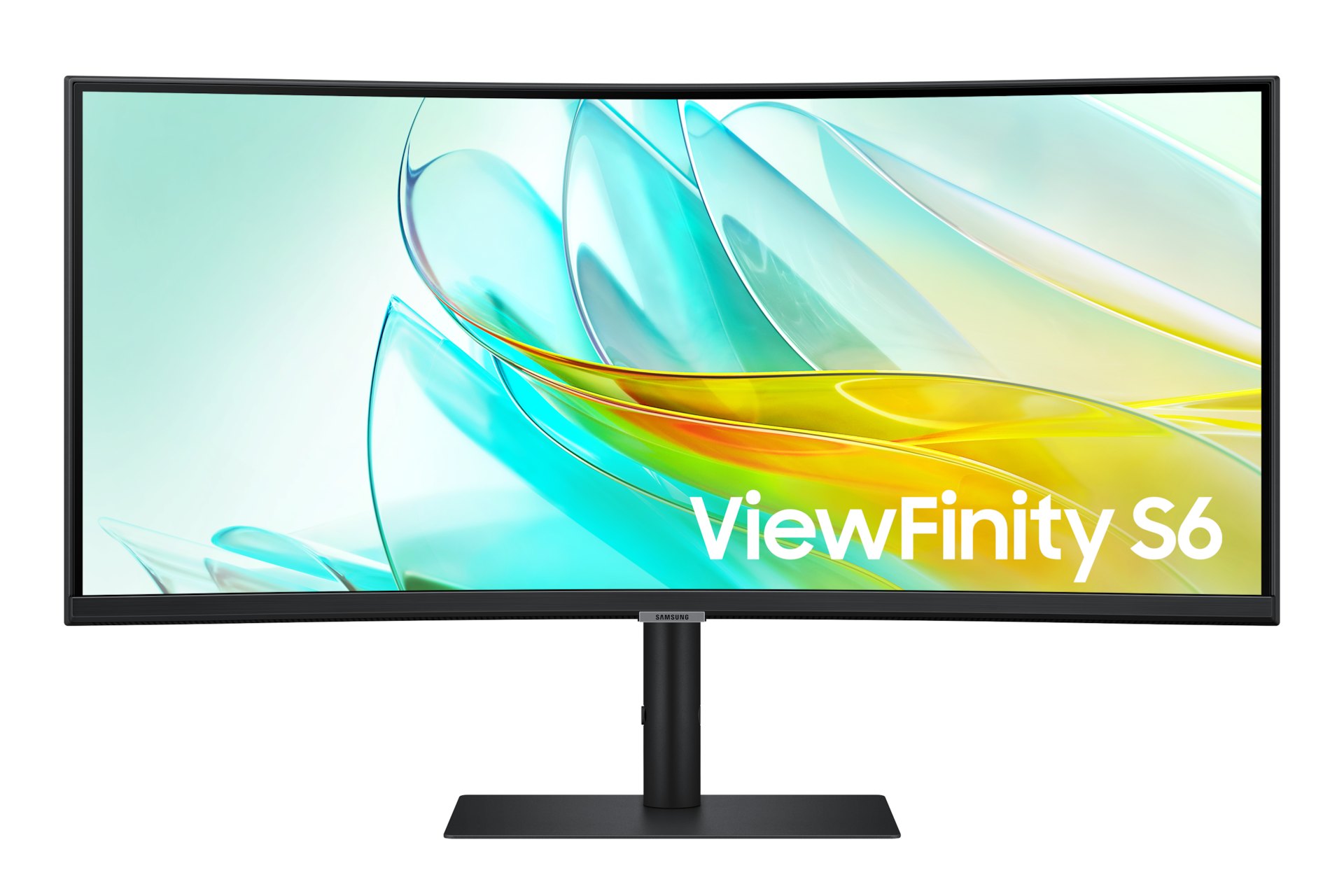
3. Samsung ViewFinity S65UC — Best One-Cable Dock Replacement
Best for: Laptop users who want the monitor to replace a docking station.
The Samsung ViewFinity S65UC is the most feature-packed work monitor under $500. It is a 34-inch curved VA panel at 3440 x 1440, with a 100Hz refresh rate and HDR10. What sets it apart is what is built around the panel: a USB-C port with 90W power delivery, a wired Ethernet jack, and an integrated two-port KVM switch. Connect a laptop with one USB-C cable and the monitor charges it, connects it to wired internet, and lets one keyboard and mouse control two computers.
In late September 2026, Amazon listed the S65UC at $349.99, down from $589.99. Our November 2026 catalog search showed $449.99 through Samsung’s own store, against a $649.99 list price, and other sellers varied. Check the current price before you decide — the deal is only a deal at the lower end of that range.
Specs: 34-inch curved VA, 3440 x 1440, 21:9; 100Hz, 5ms; HDR10; USB-C with 90W power delivery; built-in Ethernet and KVM; 1000R curvature; HDMI and DisplayPort.
Pros: 90W USB-C charging, Ethernet, and KVM in one monitor can replace a $150 to $300 dock; strong value when on sale around $350; 100Hz is smooth for work.
Cons: Price varies widely by seller; 1000R curve is more aggressive than most people need; VA panel with the usual motion and viewing-angle limits.
Who it is best for: Laptop users with a small desk who want to get rid of a separate dock, charger, and Ethernet adapter.
Check price on Amazon — Samsung ViewFinity S65UC
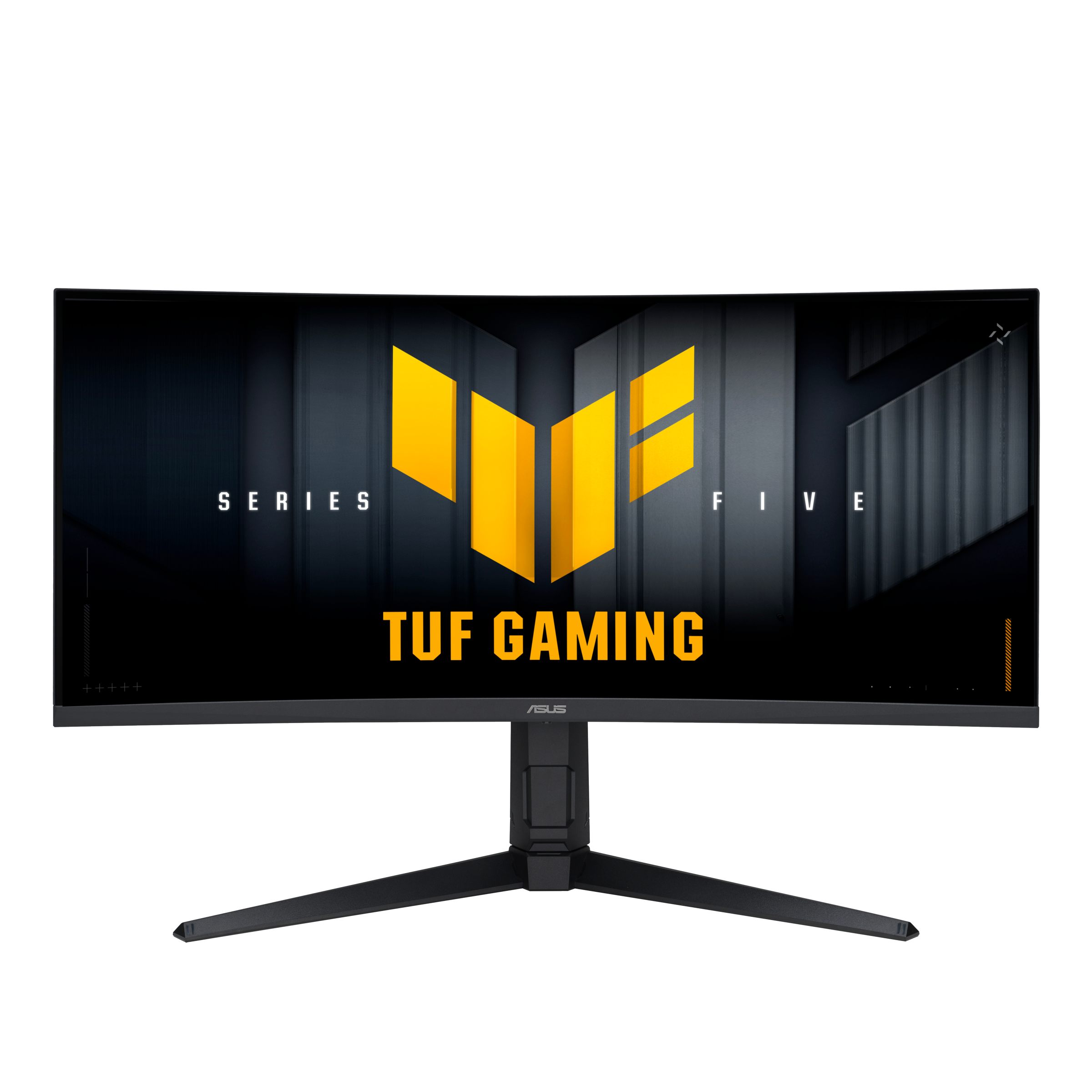
4. ASUS TUF Gaming VG34WQML5A — Best for Gaming
Best for: Gamers who want the fastest ultrawide under $500.
The ASUS TUF Gaming VG34WQML5A is a 34-inch WQHD Fast VA panel at 3440 x 1440, with a 1500R curve and a refresh rate that overclocks to 250Hz. It supports AMD FreeSync Premium Pro, lists a 0.5ms minimum response time, and includes DisplayPort and HDMI inputs. In our catalog search in November 2026, the ASUS direct listing was $329, and secondary roundups reported an Amazon price of $289.
At 250Hz, motion in fast games is noticeably smoother than on a 100Hz or 120Hz work monitor, provided your graphics card can keep up at 3440 x 1440. For slower games the difference is smaller. The trade-off is desk features: this is a gaming-first monitor with no USB-C input and no built-in dock.
Specs: 34-inch Fast VA, 3440 x 1440, 21:9; up to 250Hz overclock, 0.5ms minimum; 1500R curve; FreeSync Premium Pro; DisplayPort and HDMI; height-adjustable stand.
Pros: Fastest refresh rate in this guide by a wide margin; FreeSync Premium Pro for smooth, tear-free gaming; strong value when listed near $289 to $329.
Cons: No USB-C, so laptop users need a separate dock; gaming-first design means fewer work-focused extras; high refresh rates only help if your GPU can drive 3440 x 1440 at high frame rates.
Who it is best for: PC gamers who play fast games and already have a desktop with a capable graphics card.
Check price on Amazon — ASUS TUF Gaming VG34WQML5A
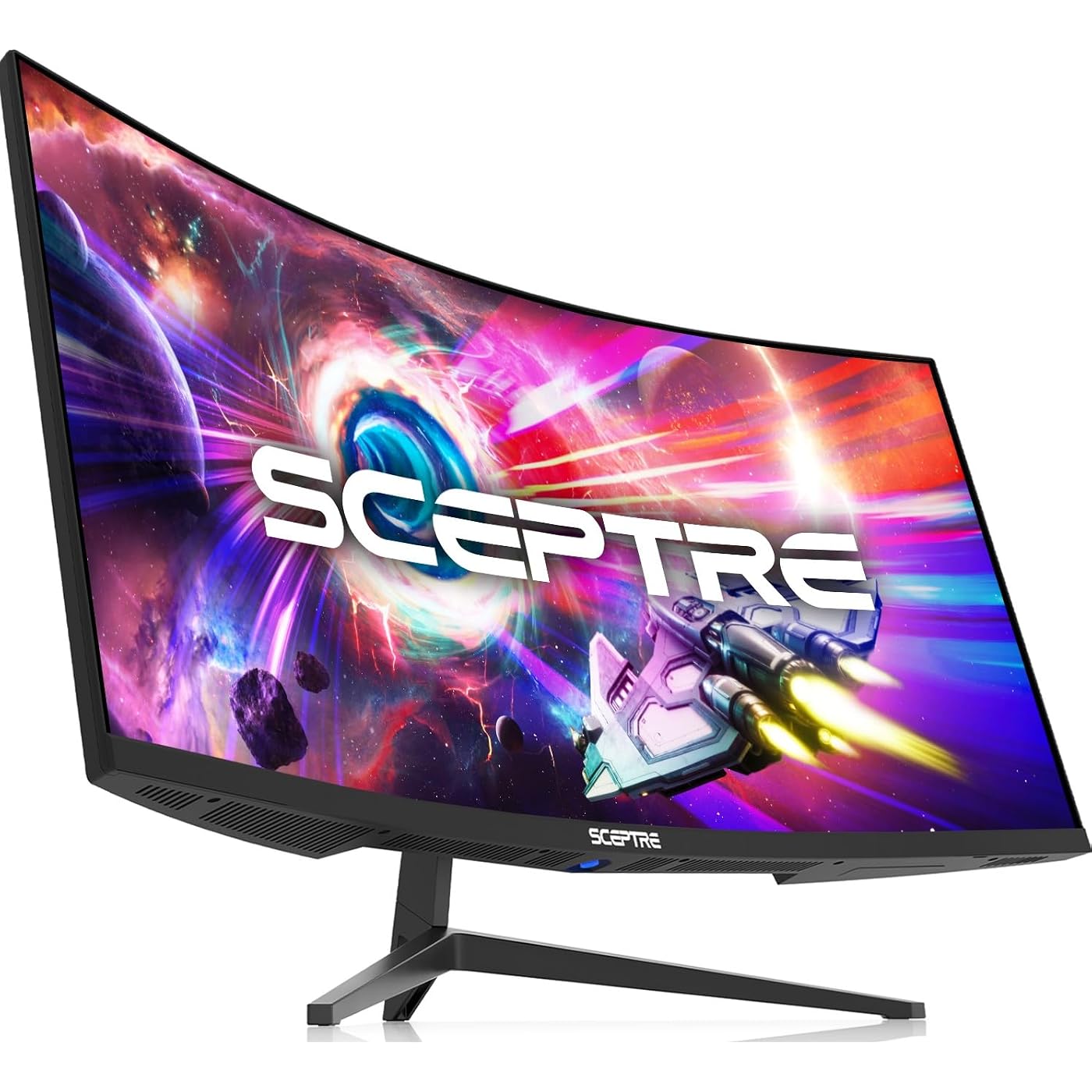
5. Sceptre C345B-QUT168 — Best Budget
Best for: Buyers who want a 34-inch ultrawide for the least money.
The Sceptre C345B-QUT168 is the cheapest way to get a real 34-inch, 3440 x 1440 ultrawide. It is a curved VA panel with a 1500R curve, a refresh rate of up to 180Hz, 99% sRGB coverage, and built-in speakers. It has two DisplayPort and two HDMI inputs, so you can connect a desktop and a second device at the same time.
In our November 2026 catalog search it was listed at $189.98 through Walmart, with other Sceptre 34-inch variants at $179.97 to $199.98 — roughly half the price of the Dell for the same size and resolution. The stand is more basic, there is no USB-C, and the build feels less premium. For a second monitor or a first ultrawide, that trade-off is reasonable; for a primary work monitor, the Dell or LG is worth the extra money.
Specs: 34-inch curved VA, 3440 x 1440, 21:9; up to 180Hz, 1ms; 1500R curve; 99% sRGB; DisplayPort x2 and HDMI x2; built-in speakers.
Pros: Lowest price in this guide by a large margin; same 3440 x 1440 resolution as monitors costing twice as much; up to 180Hz is fast for the price.
Cons: Basic stand with limited adjustment; no USB-C, Ethernet, or KVM; check the exact model number, because Sceptre sells several similar 34-inch models with different refresh rates.
Who it is best for: Budget buyers, students, and anyone trying an ultrawide for the first time without spending $400.
Check price on Amazon — Sceptre C345B-QUT168
What to Avoid
Do not buy a 34-inch ultrawide at 2560 x 1080. It will look soft. At 34 inches, 3440 x 1440 is the minimum worth buying. Do not pay for OLED under $500. The cheapest OLED ultrawides worth buying cost around $700 and up. Do not trust HDR10 on the box. None of these monitors has the brightness or local dimming for real HDR. Do not ignore the stand. A monitor that cannot adjust to eye level will hurt your neck; budget $30 to $60 for an arm if needed. Do not buy the wrong model number. The LG 34WR55QK-B is not the older LG 34WP65C-B, and Sceptre sells several similar 34-inch models — confirm the resolution, refresh rate, and ports on the listing.
FAQ
Is a 34-inch ultrawide better than two 27-inch monitors?
For most desks, yes. One ultrawide gives you a continuous workspace with no bezel in the middle. Two 27-inch monitors give you more pixels and the option to turn one vertical, but they take up more space and cost more with a second stand.
Is 3440 x 1440 enough for a 34-inch ultrawide?
Yes. At 34 inches it gives about 110 pixels per inch, sharp for text at 100% scaling. A higher resolution would cost much more and demand a stronger graphics card.
Do I need USB-C on an ultrawide monitor?
If you use a laptop as your main computer, yes. One USB-C cable can carry video, charge the laptop, and connect peripherals through the monitor. If you use a desktop, USB-C matters much less, and you can save money by skipping it.
Can I use an ultrawide monitor for gaming under $500?
Yes. The ASUS TUF Gaming VG34WQML5A is the best gaming pick here, with up to 250Hz, and the Dell and Sceptre are fine for casual gaming. Remember that 3440 x 1440 is demanding: a mid-range card handles esports well, but AAA games may need lower settings.
What is the best ultrawide monitor under $500 for a home office?
The Dell S3425DW is the best all-round choice, with USB-C, 120Hz, and a comfortable stand. The LG 34WR55QK-B is the best value work monitor, and the Samsung ViewFinity S65UC is best if you want it to replace a docking station.
Verdict
The best ultrawide monitor under $500 is the Dell S3425DW: a 34-inch, 3440 x 1440 panel, 120Hz, USB-C, and an adjustable stand, at a price around $400 on Amazon in November 2026.
If your desk is laptop-first, the Samsung ViewFinity S65UC is worth a price check — its 90W USB-C, Ethernet, and KVM can replace a separate dock. For fast games, buy the ASUS TUF Gaming VG34WQML5A. If money is tight, the Sceptre C345B-QUT168 gives the same size and resolution for roughly half the price, and the LG 34WR55QK-B is the closest cheaper work alternative.
Confirm the exact model number, resolution, and current price on Amazon before you buy — prices move often.
As an Amazon Associate, we earn from qualifying purchases.
Suggested Internal Links for chartget.com
- /best-ultrawide-monitor-under-300/ — for readers who want a cheaper ultrawide
- /best-standing-desk-for-a-dual-monitor-setup-under-300/ — pair the ultrawide with a desk that fits it
- /best-usb-c-monitor-for-laptops-under-300/ — for laptop users who want a smaller USB-C screen
More from Amazon
Programs that pair well with the guide above. Offers and eligibility are set by Amazon and may change.
Free shipping on eligible items, Prime Video and more. Eligible new members can start with a free trial.
Start a Prime free trialAudiobooks and podcasts to listen to on the go. Eligible new members can start with a free trial.
Try Audible freeAd-free music streaming. Eligible new subscribers can start with a free trial.
Try Music Unlimited freeA free business account with business pricing and bulk-buying tools for work, shop or home office.
Create a business accountAs an Amazon Associate we earn from qualifying purchases.









Write Your Review
No reviews yet. Be the first to share your experience!